
This article is part of our series on Visor. For the full picture, start with The choice behind every website.
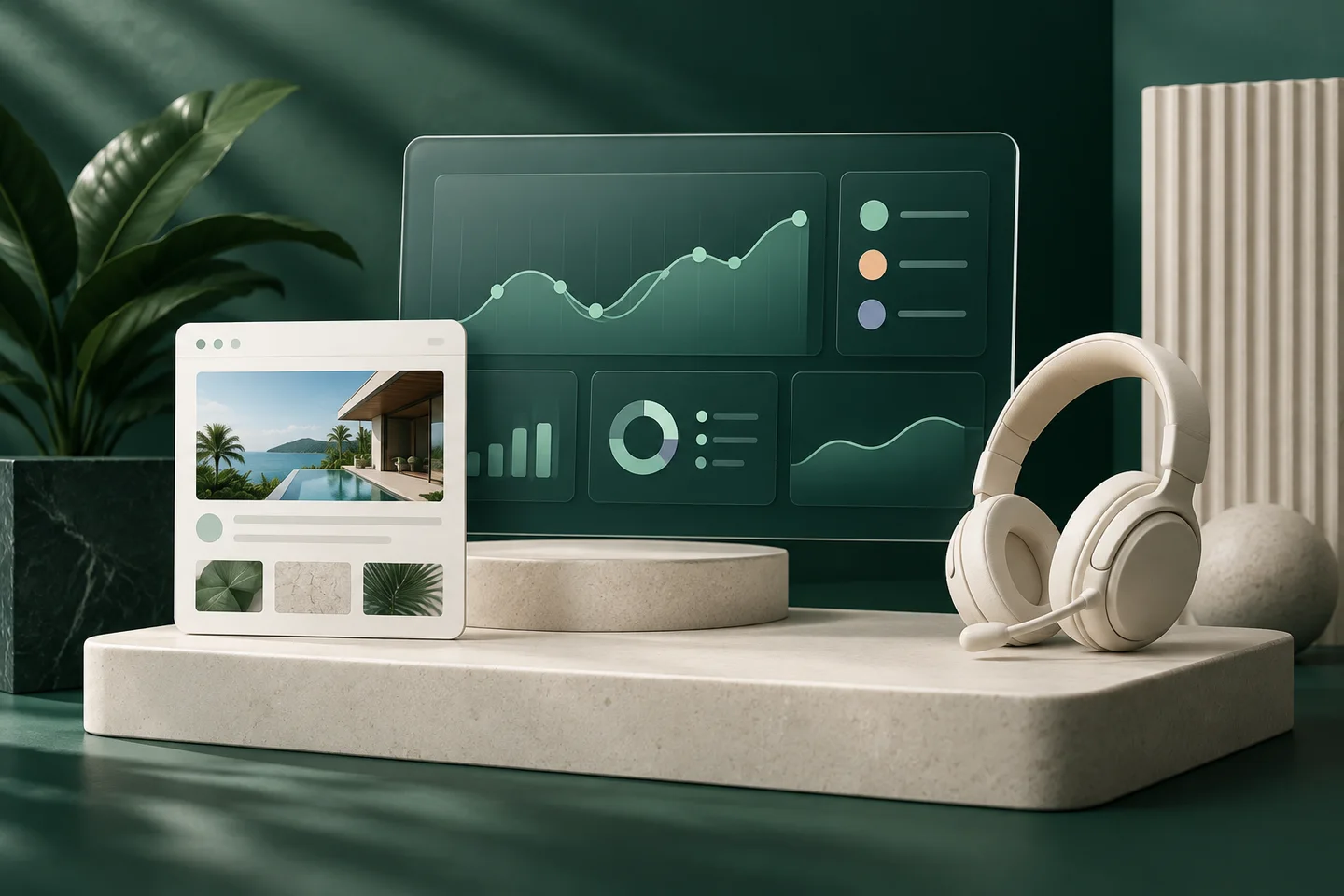
A designer can now describe a page to an AI tool and see it built in minutes. A communications team can try three layouts in an afternoon. Most teams that work this way once don't want to go back.
The trouble starts when the design has to go somewhere. On most CMS platforms, a design made with AI can't be used as it is. A developer has to rebuild it by hand in the platform's own format, and the weeks AI saved come back.
Use the AI tools your team already likes
Visor doesn't ask teams to switch to a design tool of its own. Teams design in whichever AI tool they prefer, such as Claude Design, and export the result as HTML, CSS, and JavaScript. A Next.js project works too.
How AI tools connect to Visor
DaaS, short for Data-as-a-Service, is the part of Visor that holds every site's content, settings, roles, and permissions. It also lets outside tools connect to that content.
AI tools connect through an MCP server. MCP is an open standard that many AI tools use to reach outside data. Through it, an AI tool works from the real content and permissions of your sites, so it doesn't have to guess how they are put together.
Bringing a website onto Visor
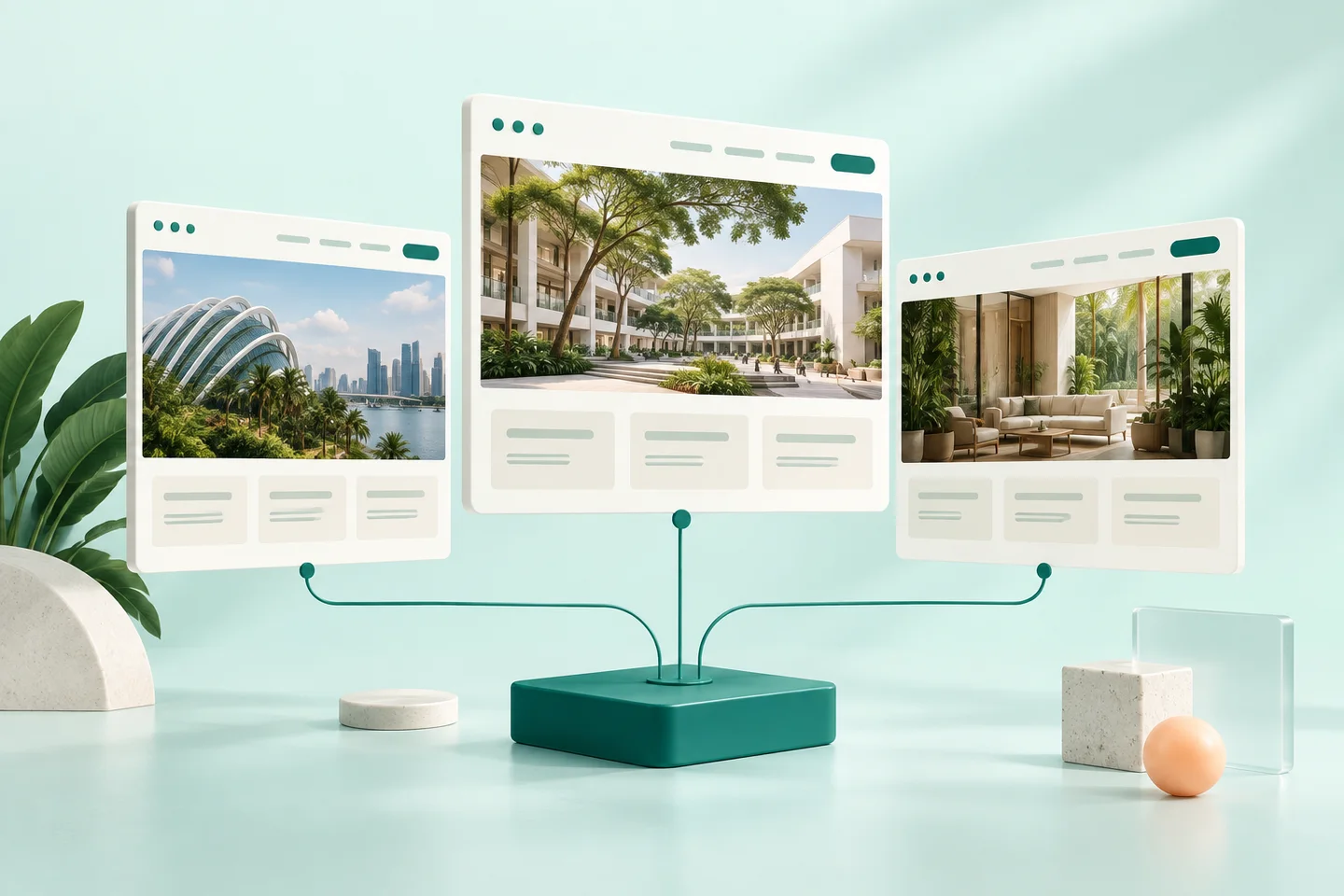
Through that connection, AI can bring a website onto the platform and into the CMS. The website can be a new design made with AI, or a site that is already live somewhere else. Either way, nobody has to rebuild it by hand.
For developers, this runs through skills that come with the Visor template. The convert-html skill reads a design's files and finds what the pages share, such as the header, navigation, and footer, and turns it into a layout. Repeating sections, such as card grids and accordions, become widgets that editors can place on pages. The styles become a theme. Developers review the result, and editors can start building pages with it.
The skills run in the AI coding tools developers already use, including Claude Code, VS Code, Kiro, and Antigravity.
What AI can prepare
Once a website is on Visor, the same connection keeps working. AI can prepare:
- New websites, built from scratch and connected to the CMS
- New pages on an existing site
- Edits to existing content
- Ongoing changes to sites already on the platform
People decide what goes live
By default, the DaaS connection is read-only. AI tools can see the websites and content on Visor, and they can't change anything on their own.
Anything AI prepares, whether a new site, a page, or an edit, goes through review. A person checks it and approves it before it is published, using the same approval steps as any other change. Each organisation decides how much AI may do on its own.
AI on the live site
AI can also work for visitors. Chocolate Factory connects an AI agent to a site's content and puts it on the page as a chat assistant or another smart widget. The agent reads with the site's read-only token, so it can answer from the site's pages and can't change them.
In short
Teams design with the AI tools they like. Visor brings the result onto the platform without a rebuild, and lets AI keep preparing new sites, pages, and edits after launch. The connection is read-only by default, and a person approves every change before it goes live.
Read more: The choice behind every website, Inside the Visor CMS: approvals, building blocks, and data, and Websites that keep getting better.